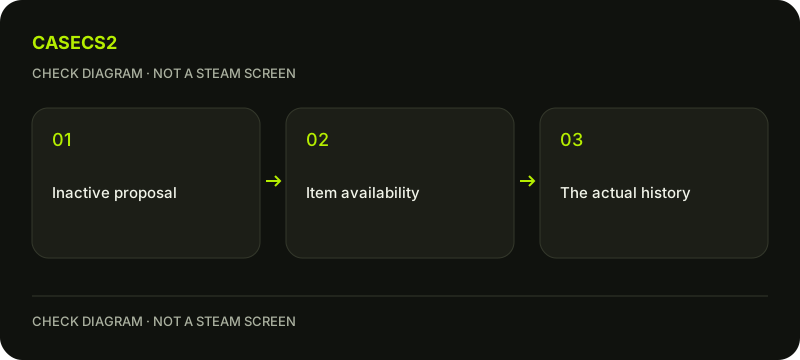
Why a Steam trade offer becomes inactive when an item is unavailable
Steam can make a trade offer inactive when an included item is no longer available, for example after it was traded away or sold on the Community Market. The offer can no longer be accepted and moves to Offer History. Read that actual state before interpreting it as cancellation, expiry, a completed exchange or proof of misconduct.
CASECS2Updated:
Name the state before explaining it
Observation
Relevant question
Not established by the label alone
Inactive offer
Is an included item unavailable?
This proposal was accepted
Cancelled offer
What does the actual record show?
The same cause as inactivity
Expired offer
Which offer and state are shown?
An item was delivered
Imagine an offer containing one specific rifle. Later, the rifle is sold on the Market and the proposal becomes inactive. The inactive record explains that this proposal is no longer usable; the separate sale record establishes what happened to the rifle. Do not merge those two pieces of evidence.
A check diagram, not a game screen.
Inspect your own offer history
Open the relevant trade-offer area through your legitimate Steam account and find the recorded proposal. Steam says inactive offers move automatically to Offer History. Confirm the account and counterpart before comparing the item lists.
A familiar nickname is not enough to establish the recipient. Use the account identity checklist when that context is unclear. Do not follow an unsolicited login link or create another offer merely to see whether the first one reappears. The existing record is the starting evidence.
Match the specific item and direction
Record which side was offering the unavailable item, its full name, variant and quantity where shown. A catalog name can match several instances, so a similar thumbnail alone does not establish which one was involved. The item-name guide helps organize those fields.
If you know the item was sold or traded away, compare the corresponding record. If you do not know, retain the uncertainty. Inactivity can point to unavailability without providing a complete account-wide explanation or proving that another person acted dishonestly.
Keep acceptance of another offer separate
Steam permits more than one pending proposal containing the same specific items. Once one is accepted, other pending offers containing those items become inactive. That explains a relationship between records without turning every inactive offer into its own completed exchange.
The pending-versus-accepted guide addresses the state distinction. Keep the accepted transaction and the now-inactive alternatives as separate lines. Do not count an archived proposal as another copy of the item or another delivery just because it contains the same description.
Do not substitute other cancellation rules
For a recorded cancellation or expiry, use the cancelled-versus-expired explanation. It is more precise than renaming every unusable proposal “cancelled.” Preserve the exact wording even if the practical result is that acceptance is unavailable.
CS2 protected trades have their own Trade Protection rules. First establish whether any trade completed. An inactive proposal alone does not establish whether a separate trade qualifies for protection; check the conditions and consequences for the completed operation.
Finish with the existing records
A useful note identifies the inactive proposal, the included item and any confirmed separate operation explaining unavailability. If only the inactive status is known, say so. There is no need for a test purchase, repeated withdrawal or another proposal to fill the gap.
For a remaining discrepancy, use the support-evidence checklist and keep sensitive account details private. The result should explain what the records establish, not promise an instant refresh or a new supply of the item. A clear unknown is preferable to an invented delivery or fraud conclusion.
Sources checked on 2 November 2026. Labels and locations can vary by client version and language. Match the described state in your own current interface.
Help
Questions and answers
What you should know before you begin.
Does inactive mean accepted?
No. It means the proposal is no longer active; its own completed exchange is not established by that label.
Can a Market sale affect an offer?
Steam says an offer becomes inactive if an included item is no longer available, including through sale.
Should I send another offer to test it?
Read the existing offer and operation records first rather than creating another event.