Change your Steam profile name or avatar without changing account identity
Change a display name or avatar through your own logged-in Steam profile’s editing controls. Confirm the correct account first. These public profile details are not the login identity, SteamID, clan tag or weapon Name Tag, and a private profile does not make the display name and avatar hidden from everyone.
CASECS2Updated:
Decide which identity field you mean
Intended change
Relevant feature
What remains separate
Public profile name
Edit own Steam profile
Login and SteamID
Profile image
Avatar selection
Other people’s retained copies
Group label in CS2
Clan-tag selection
Weapon nickname
For example, choosing a neutral display name such as Practice Notes changes a label, not which account owns the inventory. Use the account identity checklist before treating a familiar nickname or avatar as proof that a trade recipient is the intended person.
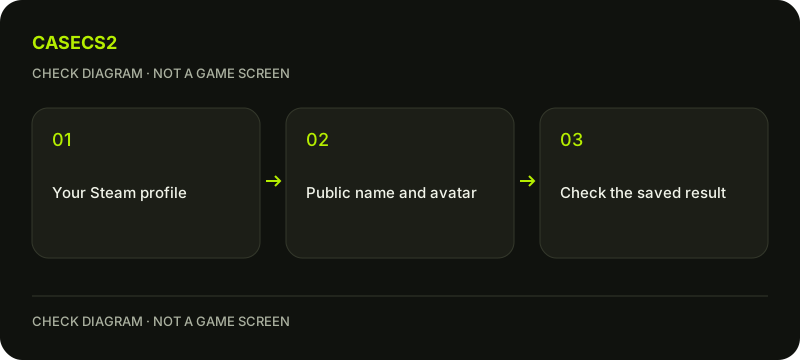
A check diagram, not a game screen.
Edit the correct logged-in profile
Open your own Steam profile and its editing controls. Confirm the account context before changing the name or avatar. Steam’s help advises checking that you are not in Offline Mode and that Friends and Chat are logged in when relevant editing behavior fails.
If the client route fails, the official own-profile editing page is another documented route. Use a legitimate Steam page rather than a link from an unknown profile-repair service. The genuine login-address guide helps keep authentication separate from somebody else’s request for access.
Choose permitted content and inspect the result
Use a name and avatar you are entitled to use, without impersonating another person or organization. Inspect the saved profile result rather than assuming every cached surface changes instantly. A temporary older image elsewhere does not establish that a different account was edited.
For a group marker, use the CS2 clan-tag guide. For text on a weapon, use the Name Tag workflow. Those features have different controls and effects; neither should be represented as a way to edit the public Steam profile name.
Understand the privacy and history limits
Steam says profile names and avatars remain public even with a private profile. Third-party services may retain copies of previously visible information. Do not choose sensitive personal content on the assumption that another privacy switch will make it secret.
The profile exposes previous aliases, and Steam documents clearing previous aliases through the name-area menu. Clearing that list does not delete the SteamID or erase every record elsewhere. Steam does not maintain a profile avatar-history feature, but image files on its content servers are not something users can simply purge as an identity reset.
Separate moderation from a technical editing problem
If content was moderated, read the actual restriction and duration shown on the profile. Do not invent a universal waiting period from an older screenshot. Steam may review a mistaken profile-content removal, but that is not the same process as appealing a CS2 communication penalty.
A failed edit can also require checking the logged-in state rather than assuming moderation. Keep the observed message intact. The private versus hidden game guide concerns another privacy layer and does not override the public-name and avatar limits described here.
Keep the outcome tied to the profile field
After saving, verify the intended name or avatar on the correct profile. Record any persistent editing error without sharing authentication details. If a third-party site associates an old name or image with the account, address that site’s own process rather than assuming Steam can erase its copies.
A display change does not alter Prime status, referrals, inventory ownership or the recipient behind a trade. Return to the account identifier for those questions. The useful result is a confirmed profile edit with its public visibility understood, not a promise to become anonymous or erase every historical association.
Sources checked on 2 November 2026. Labels and locations can vary by client version and language. Match the described action in your own current installation.
Help
Questions and answers
What you should know before you begin.
Does a private profile hide my name and avatar?
No. Steam describes those identity details as public even when the profile is private.
Does clearing previous aliases erase my SteamID?
No. It clears that profile list, not the account identifier or every record elsewhere.
Will the new image update every external site immediately?
Do not assume so. Other services can retain copies or use their own updating processes.