Choose a CS2 clan tag and check why it is not visible
CS2’s September 2026 update lets members of Steam Community groups choose a clan tag through their player profile. Confirm the current account, available group and selected state first. Visibility also depends on context: later patch notes let custom servers disable tags, so selection does not promise the tag appears everywhere.
CASECS2Updated:
Separate selection from visibility
What you observe
Check next
Avoid concluding
Group is available
Current selected tag
It was applied merely by viewing
Tag is selected but absent
Server and visible surface
The selection always failed
Group is missing
Account membership and available list
Every case has the same server cause
Suppose a tag appears in one context but not on a custom server. Preserve both observations rather than repeatedly changing the group. A server’s display rule can matter independently of which entry you selected in your own profile.
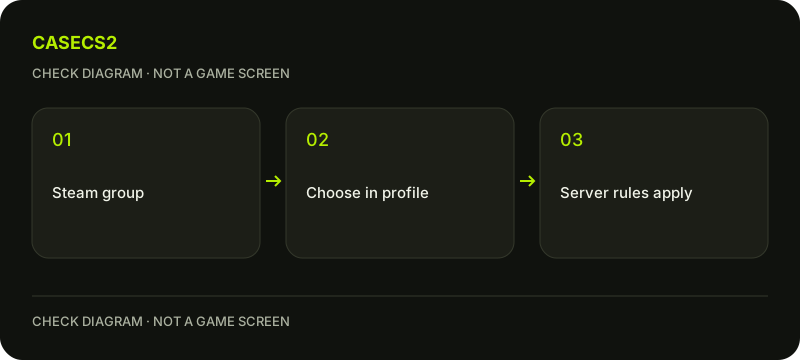
A check diagram, not a game screen.
Check the current account and group
Open the CS2 player profile and inspect the group clan-tag choices actually available to your account. Verify that the intended group is one you belong to. This guide does not invent a manual text field or assume every role and group has identical selection permissions.
If several accounts use the computer, consult the account identity checklist before diagnosing a missing entry. A familiar nickname or avatar is not enough to establish the account context. Record the group and visible selection state rather than sharing credentials to let somebody else set it for you.
Choose deliberately and inspect the result
Select the intended available clan tag using the current player-profile controls, then return to inspect the selected state. Match the function instead of copying coordinates from another client language. Keep the account and test context the same while checking the result.
A clan tag is separate from an account nickname and from a weapon’s custom name. For the latter, use the Name Tag guide. Selecting a group label does not rename your weapon, change its finish or demonstrate that you represent an organization professionally.
Read the September changes together
Valve introduced this group-based clan-tag selection in the September 2026 update. Subsequent notes added appearance in death notices, then provided a custom-server control for disabling tags. Reading only the first announcement can therefore create an overbroad expectation of universal visibility.
Use the dated-update checklist to keep that sequence intact. A dated feature introduction and a later server option must be interpreted together. Do not turn the original launch wording into a promise that your tag will appear on every server or every surface after those later changes.
When a tag is absent, record the context
Write down whether the group appears in your list, whether it is selected and where you expected to see it. If a custom server is involved, note that context without assuming it explains every missing group entry. Selection availability and server display are different stages.
For a reproducible visual note, the Steam screenshot guide can help retain the relevant in-game state. Exclude unrelated account notifications. There is no need for a client-side bypass, tag-spam script or unknown binding package merely to investigate whether a selected group is displayed.
Keep the outcome narrow
A useful conclusion says that a particular group was available and selected, and describes where it did or did not appear. If the group remains unavailable, continue checking membership and the current profile options instead of inventing a universal explanation from somebody else’s screenshot.
If you need assistance, use the support-evidence checklist. A clan tag does not grant Prime, rewards or account access. Resolving its display is a presentation task, not a reason to purchase items, change security settings or provide a trading token to another person.