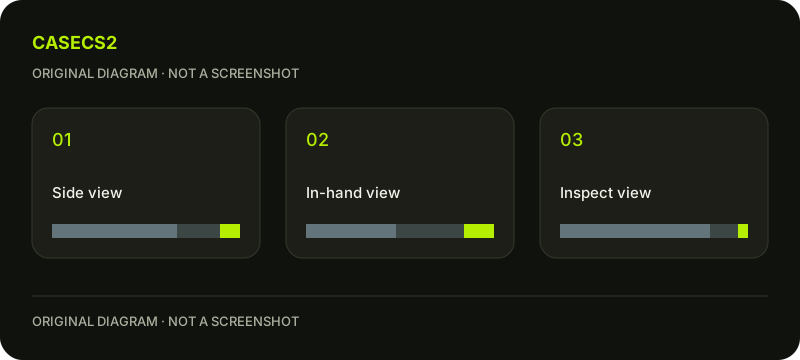
Workshop contact sheet: give three views three clear jobs
Build the sheet around questions, not three versions of your favourite image. Valve asks for unprocessed inspect, in-hand and side screenshots. For an original ribbon-and-circle design, use each view to answer a different question: what the overall arrangement is, what the player actually sees and where a local detail needs attention. Keep the images connected to the same saved design version.
CASECS2Updated:
Make a three-question sheet
View
Original example question
Note to retain
Inspect
Does the ribbon belong to one composition?
Overall relationship
In-hand
Is the circle visible at ordinary scale?
Player-view limitation
Side
Where does the ribbon lose continuity?
Specific local issue
Draw your own ribbon and circle rather than borrowing an existing finish. Label the sheet with a simple working version name. The table plans a review document; it is not a screenshot-export procedure or a required software layout.
A check diagram, not a game screen.
Choose the version before choosing images
Start with one stable design and list the images that belong to it. If an especially attractive side view comes from an earlier revision, keep it outside this sheet until you can compare that revision deliberately. Otherwise the document may suggest a combination that no single version actually has.
Write the motif’s intention beside the sheet: the ribbon should lead toward the circle, for example. This short sentence gives the viewer a reason to inspect the relationship rather than judging every image as unrelated decoration.
Give the player perspective priority for its own question
Use the in-hand composition review to ask what remains visible during the relevant normal view. Do not require this image to explain every hidden part. Its job is to show how the design reads in that context.
If the circle becomes a small fragment, describe that result plainly. It may suggest moving the focal relationship or accepting a different priority. A large side image cannot answer this question on behalf of the player view.
Use the side image to locate the issue
On a separate note, name the exact area where the ribbon appears interrupted or crowded. Keep the evidence image itself distinct from any annotated explanation. A location and a short observation are more useful than a general verdict that the whole design feels wrong.
The salience and contrast questions help describe whether the interruption attracts unwanted attention. Do not silently replace the difficult side with a more flattering one merely to make the sheet look complete.
Read across the sheet instead of judging isolated winners
Ask whether all three images support the same account of the design. The inspect view may show a coherent ribbon while the player view reveals that its destination is barely visible. Those findings can coexist and should guide an actual decision.
Use the lighting review when different conditions complicate interpretation. Keep the screenshot guide as separate capture context. The sheet’s main purpose is connecting observations, not teaching an export method.
Finish with one decision and one missing observation
Keep the three images, their version reference and one concise conclusion. For example, retain the broad ribbon direction but revisit the circle’s player-view role. If a needed detail cannot be judged from the sheet, list that gap rather than inventing an answer.
The submission explanation concerns later publication. A design preview does not alter Steam inventory or create a tradeable item. The finished contact sheet is a useful account of an original design, with visible limitations rather than a guarantee of selection.