Understand CS2 Trusted Mode software conflicts without disabling protection
Trusted Mode is enabled by default and restricts foreign file injection into CS2. A legitimate application can attempt such interaction too, so a blocked interaction is not by itself proof that the application is a cheat or that the account has a VAC ban. Identify the actual notice and software context before choosing a limited next step.
CASECS2Updated:
Classify the observation before changing anything
What you see
Relevant question
Avoid inferring
Third-party interaction blocked
Which software and action are involved
Every rejected application is a cheat
A disconnection notice
The exact cause and current state
A permanent ban from any error
A visible account ban
Its own official rules
A compatibility toggle removes it
For example, an optional application trying to place information over a game may interact differently from a plain background program. Record the actual notice rather than labeling every open application as incompatible or claiming that one error diagnoses all software.
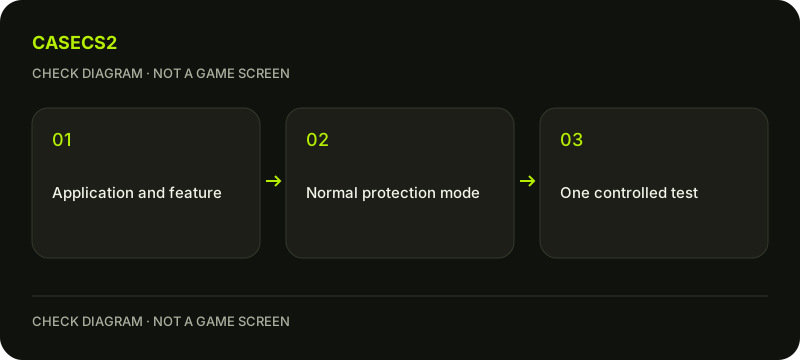
A check diagram, not a game screen.
Understand the default protection scope
Steam describes Trusted Mode as the default arrangement for blocking foreign file injections. It is not a universal whitelist for injected third-party software, and using the mode does not guarantee that no cheating can ever occur. Keep both limits in mind.
An ordinary application can be rejected because of how it interacts with the game, not solely because of its purpose. Do not turn that observation into an allegation about the developer or another player. The current official explanation is more useful than a list of supposedly safe applications copied without regard to their versions.
Identify one optional application
Save work and note which optional applications were active when the message appeared. If an identified nonessential application plausibly relates to the interaction, close it normally and compare the same CS2 scene. Change one condition rather than ending a broad group of processes.
Do not terminate security services or remove antivirus protection for this test. If you cannot identify the application confidently, preserve the notice for support. The support-evidence checklist helps describe a narrow software context without publishing private logs or executing a stranger’s process-killing script.
Check startup context separately
Review your known current launch configuration without importing a bypass command. The launch-options guide explains how to preserve a string and make a controlled comparison. It does not justify adding an option to leave protection as a routine fix.
Steam says launching outside Trusted Mode may affect Trust Factor, but that is not a guaranteed penalty with a published score or duration. Do not promise an FPS boost or an exact matchmaking result from a mode change. Compatibility and hidden matchmaking assessment must remain separate questions.
Keep recording and overlay controls distinct
The Steam Overlay checklist covers its own settings, while Steam Game Recording has another workflow. Their existence does not prove every recording application and configuration is compatible with Trusted Mode.
Steam also describes incompatible software started after the game leading to a disconnection until a trusted relaunch. That does not erase an already issued cooldown. For that state, read the cooldown explanation rather than assuming a successful software test changes the account’s recorded restriction.
Record what the comparison actually showed
Test a familiar low-impact scene before entering another match. Record the notice, one application change and whether the same behavior returned. A successful menu observation is not a guarantee for every program or game situation.
Do not download a replacement DLL, modify drivers or hide a process to force compatibility. This guide does not claim an actual game test on your machine. Its useful endpoint is a specific observation under ordinary protective settings, with any unresolved interaction retained for official support instead of replaced by a bypass recipe.
Sources checked on 2 November 2026. Labels and locations can vary by client version and language. Match the described state in your own current interface.
Help
Questions and answers
What you should know before you begin.
Does a blocked application prove it is a cheat?
No. Steam explains that legitimate applications can also attempt the kind of interaction Trusted Mode restricts.
Does Trusted Mode guarantee no cheating?
No. Its stated protection scope should not be extended into that universal guarantee.
Should I disable protections as the first fix?
No. Identify the notice and make a limited comparison involving a known optional application instead.