Read a CS2 Competitive cooldown before trying to fix it
Start with the exact cooldown notice in CS2: its reason, remaining timer and stated scope. An ordinary Competitive cooldown, a VACNet notice and a Steam trading restriction are not interchangeable. Steam Support does not negotiate ordinary cooldown removal or shorten a timer simply because the disruption was unintentional.
CASECS2Updated:
Classify the notice before using a duration chart
Notice concerns
Relevant check
Avoid this assumption
Ordinary Competitive cooldown
Reason and current timer
Every restriction has the same duration
VACNet-related action
Its own notice and scope
The ordinary ladder applies
Steam trade restriction
Item or account trading status
A matchmaking timer controls delivery
For example, a seven-day trading status is not evidence that your Competitive cooldown is the same restriction. The Trade Protection guide explains a separate system. Keep the two records apart even when they appear on the same account.
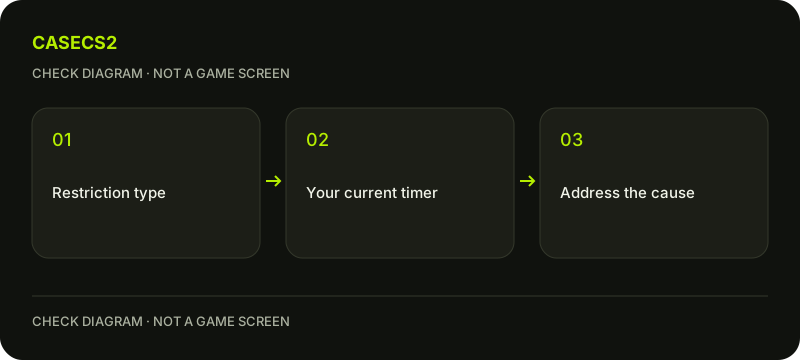
A check diagram, not a game screen.
Read the reason literally
Steam lists causes including leaving or failing to reconnect, inactivity, excessive kick activity and griefing reports. Voting to kick repeatedly can matter as well as initiating votes. An unintentional technical disconnect can still lead to a cooldown; intent alone does not remove the observed restriction.
Write down what the notice actually says rather than selecting the most familiar explanation. If the issue began with a crash, preserve that fact for troubleshooting without claiming it proves the cooldown was invalid. The notice and the underlying technical symptom are related observations, but they are not the same diagnosis.
Understand the ordinary escalation separately
For ordinary, non-VACNet cooldowns, Steam’s FAQ describes an escalation ladder of 30 minutes, two hours, 24 hours and one week. Further infractions during the probation context can increase the level; a clean period lowers the level as described by the FAQ.
This chart is context, not a substitute for the actual timer. Do not apply those four durations to VACNet actions or invent a minimum duration for a differently labeled notice. Read its current explanation and scope directly. A guide should preserve this distinction rather than folding every restriction into one attractive countdown table.
Do not mistake support for a timer override
Steam describes these cooldowns as non-negotiable: Support cannot remove or reduce them on request. If an automated cooldown or ban is determined to be incorrect, Steam says it is rolled back automatically. That is not a promise that a particular user’s notice will be removed.
There is no legitimate paid-removal step in this guide. Follow the genuine Steam login checklist if a supposed helper sends an unexpected authentication page. Providing credentials, using another account or changing network location does not turn a third party into the authority over the timer.
Resolve recurring technical problems before queueing
If repeated crashes or connection failures preceded the notice, address the observed technical problem before entering another match. A controlled local-file verification may be relevant to an installation symptom, but it does not erase a cooldown.
Record whether the same failure persists after a targeted check. Consult the official-update review method for a recent change rather than adding unknown launch flags. Avoid a fresh queue merely to see whether an unresolved crash happens again; the timer and the technical fault require different next steps.
Keep the final record narrow
Save the notice reason, observed timer and any relevant technical symptom privately. Use the support-evidence checklist if you need help understanding a separate error. Do not publish whole account logs or claim an exact calendar expiry from a screenshot without its observation context.
Follow the scope shown by the client rather than assuming every cooldown disables every mode or every Steam feature. The reliable result is an accurate classification and a stable next step, not a bypass, an appeal guarantee or a promise to restore access immediately.