Steam local network transfer: plan a CS2 install on another own PC
Name the computer that already has the game and the one that needs the installation before deciding what local transfer would solve. Steam local network transfer copies installed game or update files between PCs on the local network and falls back to public content servers when local transfer is unavailable. That describes a delivery route, not a promise of a particular speed or a complete personal setup.
CASECS2Updated:
Write the source-and-recipient sheet
Role
What you need to establish
Keep separate
Source PC
The intended installed game content
Personal settings
Receiving PC
The intended installation task
Account access
Delivery route
Whether local transfer is available
A guaranteed completion time
Use your own authorised computers and a network you are entitled to use. This is preparation, not evidence that any transfer has happened. Give both devices understandable names so later observations do not confuse the source with the recipient.
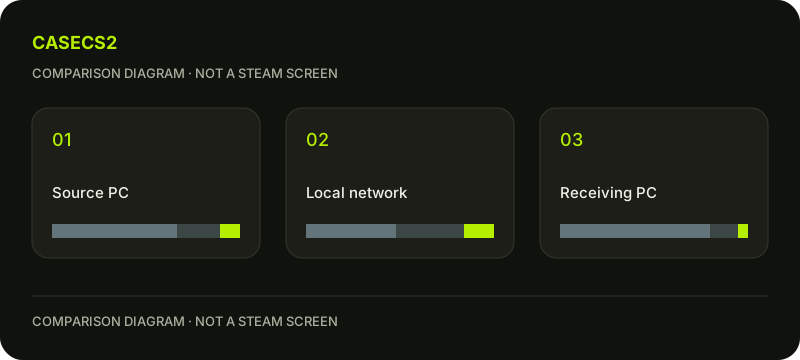
A check diagram, not a game screen.
Decide which installation task you actually have
Write whether you are preparing a second computer or relocating an existing installation on one computer. Those are not interchangeable jobs. The Steam Storage move guide addresses the latter, rather than a transfer between two PCs.
If the receiving computer already has files but the expected installation state is unclear, the existing files and install button guide provides a more specific question. Do not start from an assumed empty destination when that has not been established.
Check the source by its intended content
Identify the game installation or update content you intend the receiving computer to obtain. Keep a note of what is actually known rather than assuming every visible folder is suitable for the task. A familiar directory name is not a substitute for understanding the installation state.
Do not broaden the experiment to someone else’s device or network to seek a convenient source. Authorisation and account restrictions remain in place. The purpose of the worksheet is to clarify a legitimate installation plan, not find a route around access conditions.
Treat the displayed route as an observation
When you later inspect an actual installation task, note what delivery information you can identify in the current client. If local availability is unclear, leave it unclear instead of declaring a transfer merely because two computers are nearby.
The download speed and units guide helps with a separate display question. A speed value alone should not be used to invent the source of the content or predict a universal completion time. Keep the route and the observed rate in different notes.
Keep personal setup outside the content conclusion
A completed installation task would not, by itself, explain whether your preferred input choices, personal material or account state are ready on the other computer. Write those as follow-up questions rather than attaching them to a delivery result.
If you encounter an actual Cloud conflict, use the Cloud conflict choice guide for that separate situation. Do not interpret local network delivery as proof that every personal setting is synchronised, or that a conflicting copy should automatically be replaced.
Finish with a bounded install plan
Keep the source identity, receiving task, known content state and remaining personal-setup questions together. A useful conclusion might be that local delivery is a candidate route for a second PC while the actual route remains to be observed. That is enough to prepare the next task honestly.
Do not change network security, enable sharing on an unfamiliar network or delete directories to force a result. The worksheet guarantees neither availability nor speed. Its outcome is a clear distinction between two-computer delivery, one-computer relocation and the separate work of confirming your own usable setup.