Find your Steam Market history and reconcile one transaction
Use your own Steam Community Market history to check a completed transaction, then compare its item, direction and currency with your records. Steam also sends an email receipt for each transaction. An active order or listing is not yet a completed history entry, and an email by itself is not a reason to trust an unfamiliar login link.
CASECS2Updated:
Start with one transaction, not an account total
Field
Useful question
Common mismatch
Item identity
Which model and variant?
A similar name or thumbnail
Direction
Did you buy or sell?
Treating both amounts alike
Currency and time
What does this record show?
Assuming another view’s units or timezone
As a hypothetical example, imagine one completed purchase of a named skin. Record that entry without inventing a transaction ID or amount. Comparing one complete entry is more reliable than trying to explain a Wallet total while several unrelated purchases and sales remain mixed together.
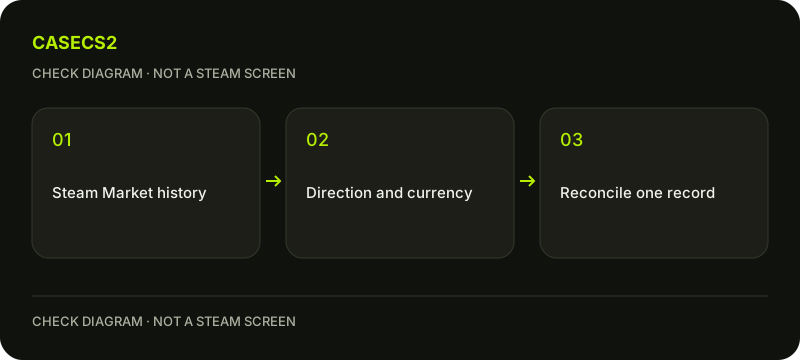
A check diagram, not a game screen.
Open history through your own account
Steam’s Market FAQ points to transaction history from the top of the Market home page and through the Steam Store account-details route. Use the current official function rather than a supposed unpublished history endpoint or a third-party export tool.
Confirm the account context before comparing receipts. The identity checklist explains why display names alone are insufficient. An image of somebody else’s history, or a familiar avatar in a message, cannot establish that the record belongs to the account you are currently inspecting.
Match item, variant and direction
Read the full item name and any variant or quantity shown. A purchase and a sale involve different directions even when the same skin appears in both. Use the localized-name checklist when text differs across languages.
Keep the displayed timestamp with its actual context. Do not label it UTC or convert it into another timezone without evidence from that interface. Similarly, retain the currency shown rather than copying only the number. Missing fields should remain unknown, not be reconstructed from a current listing or an old search snippet.
Use the email as corroborating evidence
Steam says each transaction produces an email receipt. Compare your receipt with the official in-account history: item, direction, amount and time should be interpreted together. A plausible-looking email alone is not proof of an executed Market transaction.
Do not enter credentials through a receipt link you have not verified. Open Steam through your normal route and follow the genuine login-address guide if the destination is uncertain. No assistant, seller or receipt-checking service needs your password, authentication code or trade token to explain the fields.
Separate completed history from open requests
An active buy order or sell listing describes an outstanding request, not a finished transaction. The buy-order status guide explains why a request disappearing needs its own reconciliation. History is the place to inspect the completed result when one exists.
Steam’s Market FAQ states that completed transactions are final. Finding a receipt is not a refund or reversal right. Do not repeat a trade or create a deposit to see whether the history changes; a new operation would add another record rather than clarify the original one.
Finish with a specific conclusion
Write which completed entry matches your observation, or which field still fails to match. Do not describe a Community Market receipt as proof of a CaseCS2 cash deposit. The Steam versus website inventory explanation helps keep those systems separate.
For support, retain the relevant history and receipt details privately and redact unrelated account information from public images. The useful endpoint is a reconciled existing transaction or a clearly identified discrepancy, not an invented export button, a new purchase or a claim that every balance difference has been explained.
Sources checked on 2 November 2026. Labels and locations can vary by client version and language. Match the described state in your own current interface.
Help
Questions and answers
What you should know before you begin.
Is an active order a completed transaction?
No. Outstanding orders and listings must be distinguished from executed history entries.
Does an email alone prove the transaction?
Compare it with the official account history rather than relying on the email or its links alone.
Is a Market receipt proof of a website deposit?
No. A Steam Market transaction and an external service’s deposit are separate records.