Steam recording disk budget: plan space without deleting game files
Start by separating categories of disk use instead of searching for folders to remove. Steam recording settings include a maximum reserved disk space choice and a recording location. Those choices are useful planning inputs, but they should not be treated as a promise that every export, every saved file or the entire disk is covered by one limit.
CASECS2Updated:
Separate the storage questions
Category
What you need to establish
Decision it informs
Recording reservation
Current choice and intended location
Whether the plan fits
Saved or exported material
Which files you intentionally keep
Separate output needs
Other disk use
Space needed for unrelated work
Available headroom
Use your own current observations rather than an assumed universal amount. The worksheet does not calculate hours from a guessed bitrate and does not identify any folder as safe to delete.
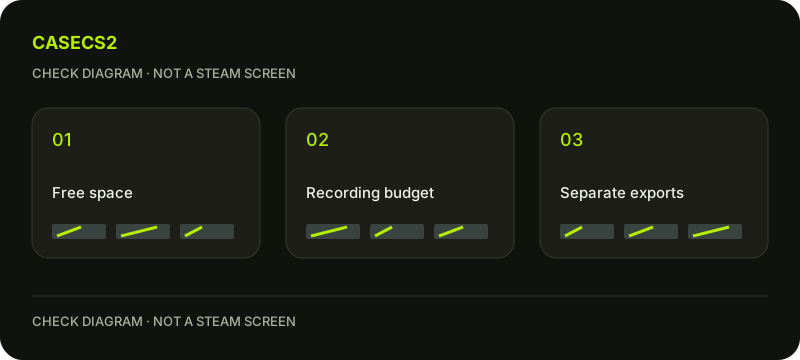
A check diagram, not a game screen.
Write the purpose of retained material
List why you need the recording material: one practice review, a small collection of selected moments or an output for another application. Distinguish temporary interest from a deliberate long-term need. A purpose makes it easier to decide what deserves review before accumulating more material.
Do not assume every captured segment needs a separate exported copy. If an output is required, name that task explicitly and plan for it separately. This keeps the disk discussion connected to an actual use rather than an undefined archive.
Confirm the intended location before budgeting
Review the recording location shown in your current settings and identify the corresponding storage context. Avoid assuming it is the same place as the game installation or a previous export. If you cannot tell which location is in use, resolve that question before making a capacity decision.
The Steam installation move guide concerns game storage, not a shortcut for relocating or deleting recording data. Keep those jobs separate so a recording question does not turn into an unplanned game-file operation.
Keep reservation and outputs in different rows
Write the chosen recording reservation beside the recording location. Then list intended saved or exported outputs separately. Do not add a confident duration estimate based on an unsupported fixed size per minute. Use observed file information when you actually have it, with its context.
The MP4 export guide explains a distinct output task. Producing a file for another application is not evidence that its space falls under every recording limit. Keep the resulting output’s purpose and location identifiable.
Plan a review point instead of a deletion shortcut
Decide when you will return to the storage sheet, such as after a planned review session or before a new output task. At that point, confirm which material you still need and which questions remain. Do not remove unfamiliar directories because their names sound recording-related.
The disk-write troubleshooting guide addresses an update error rather than recording retention. If an unrelated operation is failing, document it separately instead of treating recording settings as a guaranteed fix.
Leave a readable budget decision
Finish with the intended location, reservation choice, separate output needs and the next review point. If space is uncertain, record that uncertainty and postpone unnecessary new output rather than guessing that critical files can be removed safely.
Use evidence without secrets for a support question and the screenshot guide where a visible observation is appropriate. The outcome is a bounded storage plan, not a duration guarantee, a blanket cleanup instruction or a claim that one setting controls all disk consumption.