A newly purchased in-game container key is not the same trading proposition as an older key listed on the Steam Market. Valve changed the rules on 28 October 2019: new in-game purchases became bound to the purchasing account, while pre-existing keys were unaffected. That distinction explains why a market listing does not prove your own key can be sold.
CASECS2Updated:
Work through the apparent contradiction
Imagine two inventory entries with similar key names. One came from a current in-game purchase; the other appears in an existing market listing. Their names alone do not settle their trading permissions.
Observation
Correct check
Incorrect conclusion
My new key has no sell option
Read its actual restrictions
Every similar market listing is fake
An older key has a market listing
Check that listing’s exact item
My new key must also be sellable
I own a key and a case
Verify compatibility
Any key opens any case
The item-types guide helps identify the objects before comparing them.
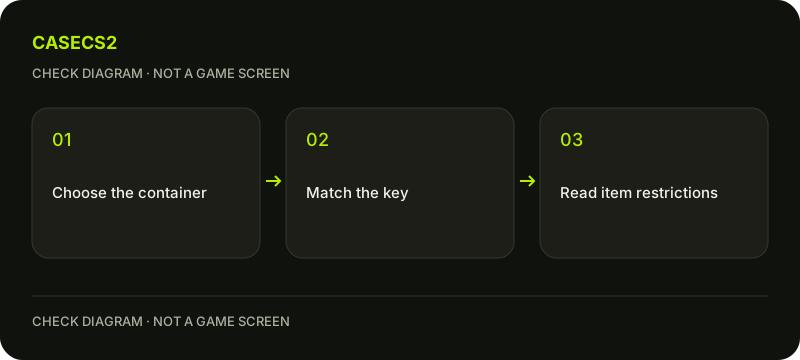
A check diagram, not a game screen.
Separate the historical rule from today’s item card
The relevant dividing line is Valve’s dated Key Change announcement, not when you happened to notice a listing. It describes a rule for new in-game purchases and an exception for keys that already existed.
Use that history to understand the difference, then read the permissions on the actual key you own. Do not replace those permissions with a rule remembered from a video. An item’s current restriction text is more useful than a generic screenshot containing a similar icon.
Check compatibility before using a key
Read the complete key and container names, then the description explaining their relationship. A Prisma key listing, for example, specifies Prisma cases; it is not a promise that all containers accept it.
Keep compatibility separate from ownership and marketability. You can correctly identify a key without owning it, and you can own a key without being allowed to sell it. The complete-name checklist applies the same discipline to similar-looking inventory entries.
Do not treat every restriction as a countdown
A temporary item restriction and the account-binding rule for newly purchased keys are different questions. Waiting for an unrelated trade timer is not evidence that an account-bound key will become transferable. Read the wording rather than assuming every restriction eventually expires.
The tradable versus marketable explanation separates two permissions often conflated in conversation. Neither a missing button nor a market listing establishes that you need another paid service to change the item’s status.
Keep Steam containers separate from website cases
A Steam container-and-key interaction happens through the game’s inventory system. A case on CaseCS2 has its own displayed action and conditions. Owning one kind of item does not automatically unlock the other system.
Before continuing, ask which inventory and interface you are actually viewing. The website versus Steam inventory guide helps resolve that question. Do not send a key to another account because someone describes that transfer as a necessary website activation step.
Finish with a three-line record
Write down the exact key name, the compatible container named in its description, and the permissions shown on your item. Mark anything you could not verify as unknown. This is enough to separate most compatibility questions from trading restrictions.
Avoid adding an assumed current price, investment forecast or expectation that an older key will gain value. If your only aim was to understand why the sell option is absent, confirming the restriction is a complete answer; it does not require buying or opening anything.