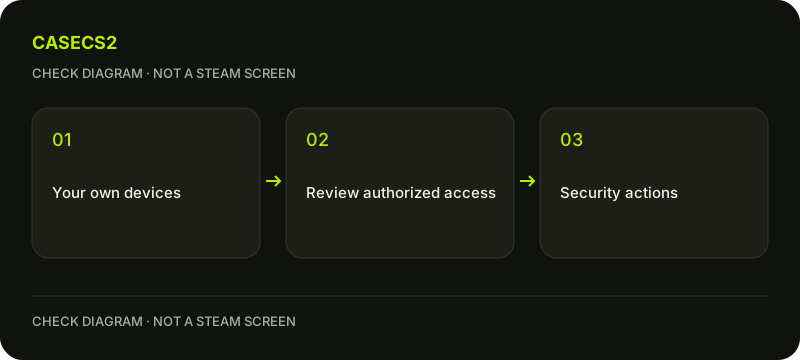
Review authorized Steam devices before trusting an unfamiliar session
Review Authorized Devices through Steam’s official security guidance when an unfamiliar session concerns you. Steam describes Sign out everywhere as a relevant action if something looks wrong, alongside reviewing account security. A device entry is not proof of a person’s identity, and Steam session revocation is not a promise to close every third-party website session or reverse item operations.
CASECS2Updated:
Separate the session actions
Action or observation
What to check
What it does not prove
Close a browser tab
Whether the session remains authorized
Access was revoked
Review Authorized Devices
Current access listed by Steam
A displayed location identifies a person
Sign out everywhere
Steam’s access state afterwards
Every external website also logged out
For example, leaving a shared computer’s browser window closed does not establish that authorized access disappeared. The shared-computer sign-out guide covers local exit behavior. This page focuses on reviewing and revoking authorized sessions rather than assuming that physical window management is enough.
A check diagram, not a game screen.
Use the current official security route
Open Steam’s current security guidance and find Authorized Devices through the legitimate account flow. Read what the actual interface provides rather than expecting a fixed menu position, location field or timezone on every platform.
Steam’s earlier mobile-app announcements described reviewing devices and recent use, but those screenshots are not a permanent map of the current interface. Keep the actual observation private. The account identity checklist also reminds you that names and avatars alone are not stable evidence of who controls an account or device.
Record the unfamiliar observation without guessing
Note the entry you do not recognize and the context Steam actually displays. Do not convert a network location or generic device description into a definite accusation. This guide promises no universal set of device fields.
If an approval request was not initiated by you, do not approve it as a test. The QR-login safety guide explains that distinction. Reviewing an existing session does not require creating another unauthorized-looking session or asking a helper to sign in so that you can compare the entries.
Treat revocation as part of account security
Steam’s current guidance recommends Sign out everywhere if an entry looks wrong. Read the actual action and implications in your own account before choosing it. This article does not perform revocation or any other account action for you.
The same security review includes changing the password where appropriate, reviewing the email and associated accounts, and considering malware, applications or browser extensions. The extension review guide addresses one relevant environment question. Do not disable Steam Guard or install an unknown cleanup program merely because a device entry was unfamiliar.
Check what remains outside Steam revocation
A Steam access change should not be described as instant logout from every third-party site. Review each service’s own active session and logout controls separately where relevant. The website login-and-return guide concerns another session context rather than a universal remote sign-out command.
Similarly, signing out does not cancel every trade, reverse a Market transaction or restore an item. Preserve operation history for those questions instead of using a device list as proof that a financial or inventory state changed. Authorization and transaction records need different evidence.
Continue through recovery if access is lost
If you cannot use the account’s security controls, follow official recovery rather than handing credentials to someone who claims to revoke devices remotely. Use verified Steam help and retain the exact access problem.
Your final note should distinguish what was observed, what action you deliberately took and what still needs checking. Do not claim that an unrecognized entry proves compromise or that a single revocation proves the whole computer clean. The useful outcome is a bounded access review under the current official instructions, not an invented device API or a guarantee about every remaining session.
Sources checked on 2 November 2026. Labels and locations can vary by client version and language. Match the described state in your own current interface.
Help
Questions and answers
What you should know before you begin.
Does closing a tab revoke access?
Do not assume so. Window closure and authorized-session revocation are different actions.
Does a listed location prove who used the account?
No. Treat the actual device information as context, not definitive personal identification.
Will Sign out everywhere reverse a trade?
No such transaction reversal follows from session revocation; review operation records separately.