Remote Play shows CS2 but has no sound: separate host and client audio
A moving picture confirms a visible result, not the entire sound path. Steam recommends checking mute and audio on both host and client. Use a simple sound you deliberately produce in your own session, then describe where it is audible and where it disappears. That gives the next check a location instead of turning every audio control into a possible simultaneous fix.
CASECS2Updated:
Build an audio-path worksheet
Point
Observation
Question to keep separate
Host game
Deliberately produced ordinary sound
Does the game sound exist locally?
Host audio state
Current mute and audible result
Is the local path understood?
Receiving output
Expected listening device and result
Where is remote sound expected?
Keep the check quiet and controlled. Use your own harmless material instead of another person’s conversation. The worksheet does not prescribe administrator access, an operating-system path or a universal repair.
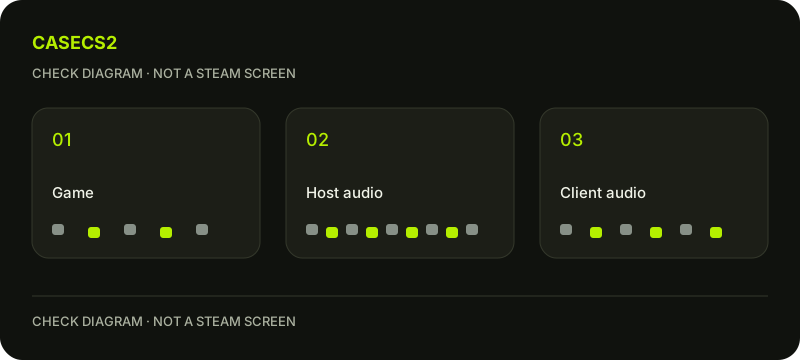
A check diagram, not a game screen.
Name the missing sound precisely
Write whether game sound is absent remotely, whether only one type of sound is missing or whether the output itself is uncertain. “Audio broken” hides these differences. Note whether the host can produce the intended sound locally before changing remote choices.
If the actual symptom is that your voice does not work in the game, the microphone guide addresses that separate issue. Do not use a voice test as the only proof that the receiving device should play ordinary game sound.
Check the expected receiving output
Identify where you intend to listen on the receiving device. If there are several possible outputs, record which one you are actually using rather than assuming the sound must follow the picture. Inspect the current audio and mute state without relying on remembered settings.
Keep the test volume comfortable. Repeatedly raising it is not a substitute for locating the path and may make an eventual restored sound unexpectedly loud. A clear observation about the intended output is more useful than maximum volume with no device context.
Change one relevant state and listen again
If an observed mute or output choice conflicts with the plan, examine that one decision and repeat the same ordinary sound. Record the result before touching another control. Changing the host and receiving device together makes the cause difficult to identify.
The recording audio-source guide covers a different path. A recording containing sound does not by itself confirm that the remote listening output works, and remote sound does not prove a recording includes the intended sources.
Keep overlays and recordings out of the initial verdict
If the symptom appears only when you open another interface, document that condition explicitly. The Steam overlay guide concerns the overlay itself; it is not a reason to assume every missing sound shares that cause.
Return to the simplest known scene and compare the audio observation. Do not create a long recording or involve private conversation merely to make the issue look reproducible. A short note identifying where the sound exists and where it does not can already narrow the problem.
Save a path-specific result
Finish with the deliberate sound, host result, receiving output and the single state you examined. Keep unresolved points visible. If local sound is still uncertain, say so instead of declaring the client faulty. If remote sound returns, confirm it at an ordinary level with the same harmless material.
Use support evidence without secrets when asking for help. No administrator rights or protection changes are part of this worksheet. It establishes an audio-path observation, not a promise about voice recording, every output device or a guaranteed future fix.