CS2 left and right hand: preferred side versus temporary switching
CS2 separates your preferred weapon handedness from a temporary left/right switch during play. Valve introduced a preference setting and a separate binding, H on a US keyboard by default. Check your current assignments instead of assuming that a remembered key or older console guide matches your setup. Neither control changes the item you own.
CASECS2Updated:
Choose which behaviour you want to change
Imagine you like a left-hand default but occasionally want another view. First identify which part of that behaviour needs changing.
Open the current game settings and find the viewmodel handedness preference. Valve’s April 2024 notes identify it as Preferred Viewmodel Left/Right Handedness. Follow the current function rather than an assumed screen coordinate.
Record the present choice before changing it. That gives you a clear way to return to your previous setup if the experiment is uncomfortable. You do not need a third-party configuration file or an unverified collection of console commands just to understand the preference described by Valve.
Check the temporary-switch binding
Find the separate action for switching the viewmodel between left and right. The release note gives H as the default for a US keyboard; it does not establish that H is still your own assignment after personal changes or another keyboard layout.
Read the configured action, then test it in a suitable practice context. Change one binding at a time if you are troubleshooting. Randomly trying combinations during an important round makes it difficult to tell whether you changed handedness, triggered another command or simply used a key that is not assigned.
Evaluate comfort without inventing a performance promise
Compare the two views in a repeatable situation and notice which presentation you prefer. Keep the weapon, scene and other settings stable so you can identify the effect of the hand change itself.
This article makes no claim about increased accuracy, damage or FPS. It also does not promise that every visible pixel becomes a perfect mirror image. Treat handedness as a presentation control, then judge it in your actual setup. If an animation looks unexpected, record its context before assuming that an inventory item was modified.
Keep skin comparisons consistent
A different hand or angle can expose another part of the weapon, making a finish look different without changing its stored properties. When comparing captures, use the same hand state as well as similar light and viewing distance.
The lighting comparison guide and skin-side checklist provide useful controls. If a float question arises, check the actual value separately. A changed viewmodel is not evidence that playing or changing settings increased wear, transferred ownership or replaced the finish.
Finish with a repeatable setup
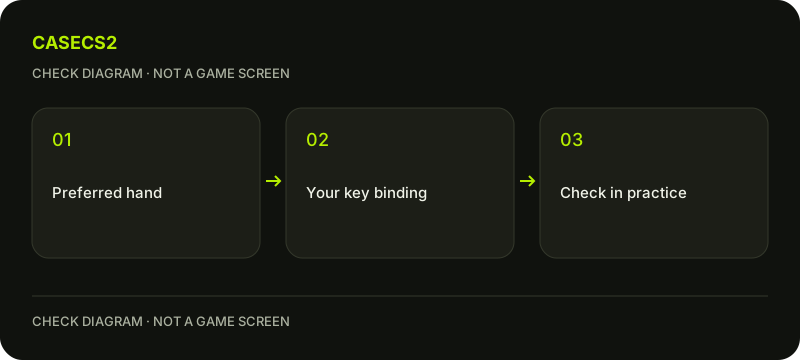
Keep one short note containing your preferred side, the assigned switch key and the context used for the check. Verify that you can deliberately reproduce the view you wanted and return to the original choice if needed.
For saved captures, record the hand state alongside the screenshot organisation plan. That prevents a later comparison from treating an unnoticed presentation change as a different skin. Stop once the control behaves predictably; adding unrelated settings changes makes the result harder to explain.