Recover a Steam account when the old email is unavailable
An unavailable old email does not mean that a Steam owner must give up or send credentials to a third-party helper. Steam offers self-recovery and, where automatic recovery cannot resolve the case, an official support form. Choose the branch matching your situation and provide only what the current official process requests.
CASECS2Updated:
Describe the missing access accurately
Situation
Starting distinction
Avoid claiming
Old mailbox unavailable
Account recovery with other information
Every case is a stolen account
Authenticator device lost
The relevant authentication problem
A third party must receive your codes
Automatic recovery cannot finish
Official private support intake
Creating a new account is mandatory
For example, forgetting a password and losing an old mailbox should be described as those facts, not embellished into a theft report. The lost-authenticator guide concerns the narrower device problem. Keep it separate from the broader question of identifying the account and recovering access.
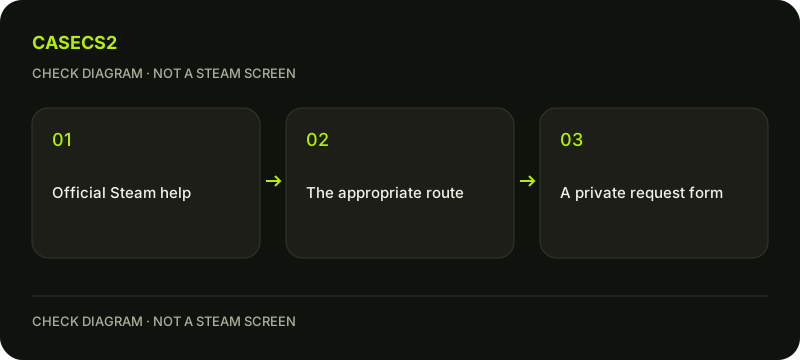
A check diagram, not a game screen.
Use the signed-out help route
Steam’s help instructions place the “I cannot sign in” route in the signed-out context. Open the official help site through a verified route and choose the most appropriate recovery branch. Do not expect the same signed-out control inside every already authenticated account page.
The genuine Steam login guide helps verify the destination. A familiar logo, profile name or private message does not establish that a form belongs to Steam. No assistant or community volunteer needs your current password or an authentication code to explain where the official recovery route begins.
Read each requested email field in context
Steam’s recovery guidance says contact is possible even if the owner has forgotten the email, password or phone information. Follow the information requested at the current step rather than entering invented details to force the wizard forward.
A field asking for your email is not automatically asking for the old email currently associated with the account. Read the surrounding instruction: information used to locate an account and information used for current contact can serve different purposes. Keep a private note of what you actually know and what is unavailable, without publishing those identifiers in a public support discussion.
Keep ownership evidence in the official private form
If automatic recovery cannot complete, continue through the official intake form offered for the case. Provide ownership evidence only through that private process and only as requested. This article does not prescribe a universal proof document or collect any evidence itself.
Secure the current mailbox you intend to use for contact. Follow the support-evidence checklist before sharing any image elsewhere. Do not post full payment details, recovery material or account credentials in a chat merely because someone claims it will speed up the review.
Protect the support access link
Steam explains that a request’s private access link can allow viewing, replying and closing the request. Treat that link as sensitive rather than copying it into a public forum as a harmless reference. Use your own legitimate access to follow the request.
For an unfamiliar sign-in approval, the unexpected-login guidance helps preserve the boundary between your initiated action and another person’s request. Do not approve a new session to demonstrate ownership to a helper. Recovery should proceed through the official process, not through a stranger’s device.
Separate access recovery from other outcomes
Record the stage reached, the official instruction and any remaining missing information. There is no fixed completion-time guarantee here. An opened support request is not proof that the account has already been recovered or that a particular decision is assured.
Likewise, recovering access does not automatically restore missing inventory or remove an account restriction. The inventory-status guide concerns different records. The useful result is a correctly routed private recovery request or completed official self-recovery, with secrets kept out of public conversation and unrelated outcomes left unpromised.
Sources checked on 2 November 2026. Labels and locations can vary by client version and language. Match the described state in your own current interface.
Help
Questions and answers
What you should know before you begin.
Can I contact Steam without the old email?
Steam provides recovery routes even when old email, password or phone information is unavailable.
Should I send ownership evidence to a helper?
No. Provide requested evidence only through the official private recovery process.
Does recovered access guarantee restored items?
No. Account access and inventory restoration are separate questions.